
←Download Center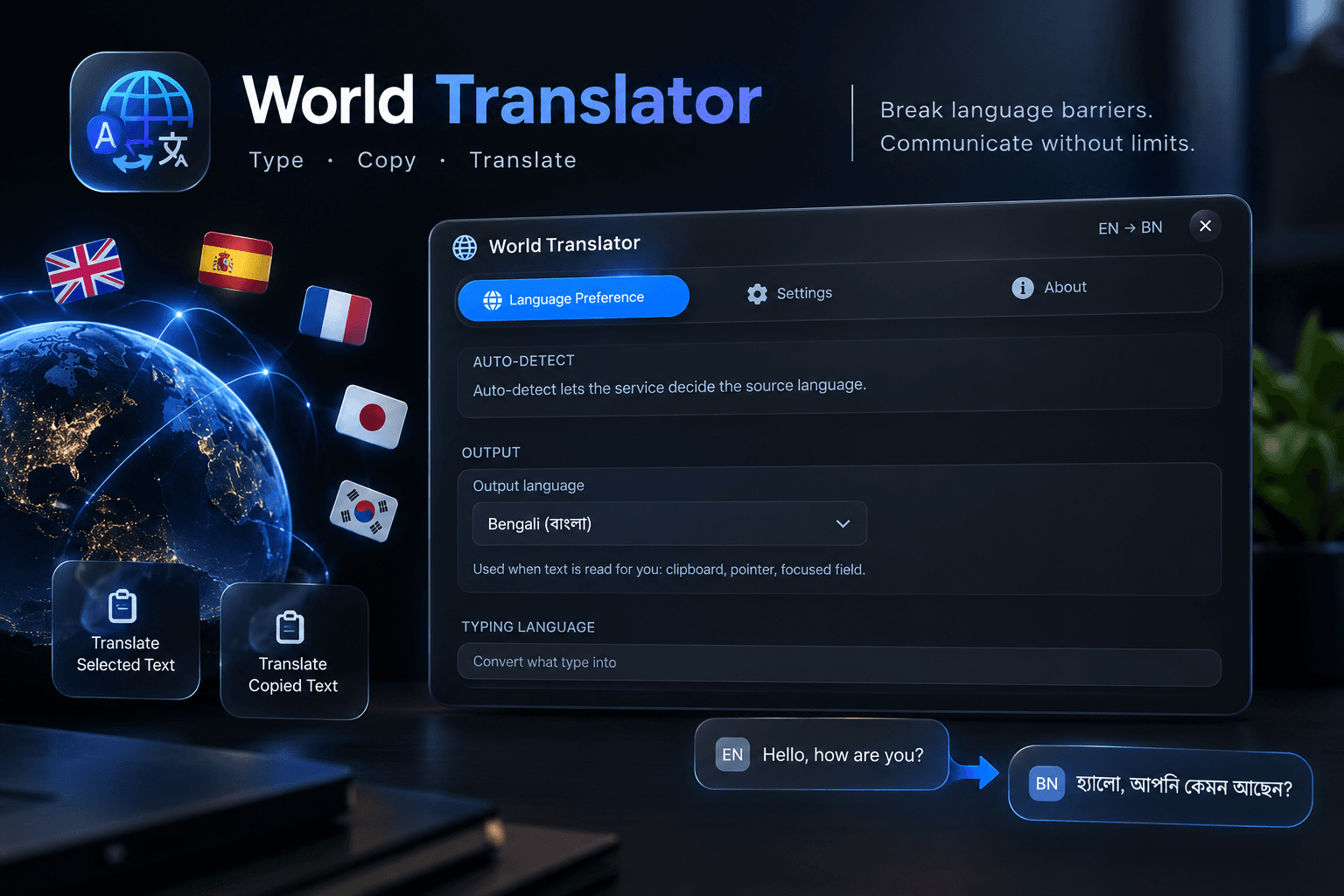
Tools
World Translator
A desktop tool for translating text between multiple languages.
WindowsC++
- Version
- v1.2
- File size
- 12 MB
- Category
- Tools
About
Overview
A C++ desktop application that allows users to translate text between multiple languages using an intuitive interface.
Highlights
Key Features
- Dual Native Translator Engine
- Supports multiple languages
- User-friendly interface
Compatibility
Requirements
- Windows 10 / 11 (64-bit)
- DirectX 11 or higher
- Internet connection for translation services
Guide
How to Use
- 1
Extract
Extract the ZIP anywhere.
- 2
Install
Install the application and Select your preferred language, Then bind you prefered ey to toggle on/off feature.
- 3
Run
Tick Autostartup on so that it starts automatically.Use where you need to translate text.
Help