
←Download Center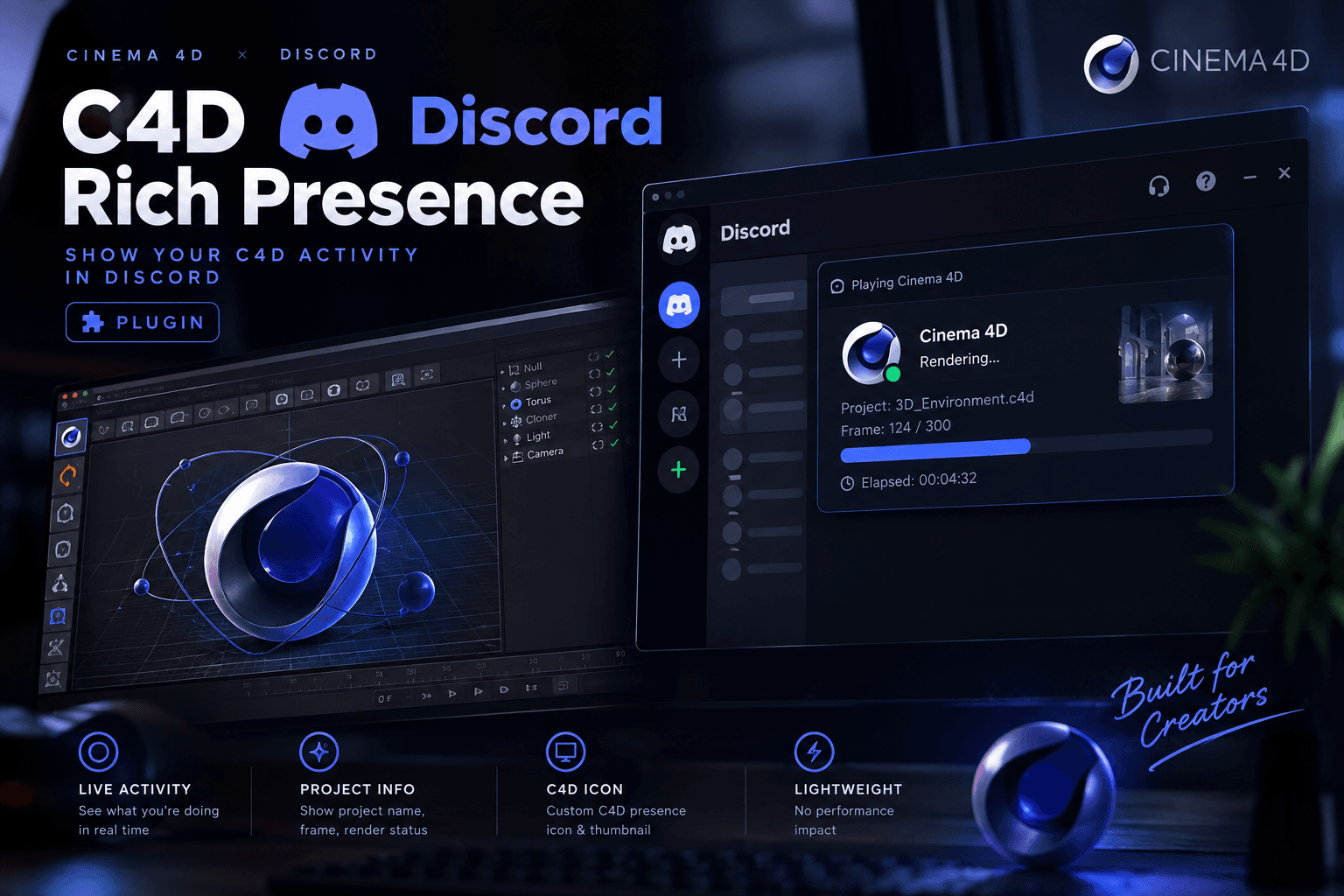 New
New
NewPlugins
C4D Discord Rich Presence
Show your Cinema 4D activity live on Discord. Replace this text with your own short description.
Cinema 4DDiscord
- Version
- v1.0
- File size
- 10 MB
- Updated
- Oct 2026
- Category
- Plugins
About
Overview
Write the full description here: what the plugin shows on Discord, how it detects your project, and who it is for.
Highlights
Key Features
- Live Cinema 4D status on your Discord profile
- Shows project and render activity
- Lightweight, runs in the background
Compatibility
Requirements
- Windows 10 / 11 (64-bit)
- Cinema 4D 2024 or newer
- Discord desktop app
Guide
How to Use
- 1
Download and extract
Download the ZIP and extract it to any folder.
- 2
Install the plugin
Copy the plugin folder into your Cinema 4D plugins directory.
- 3
Restart Cinema 4D
Open Cinema 4D with Discord running and your status appears.
History
Changelog
v1.0Oct 2026
- Initial public release.
Help